11 display layouts
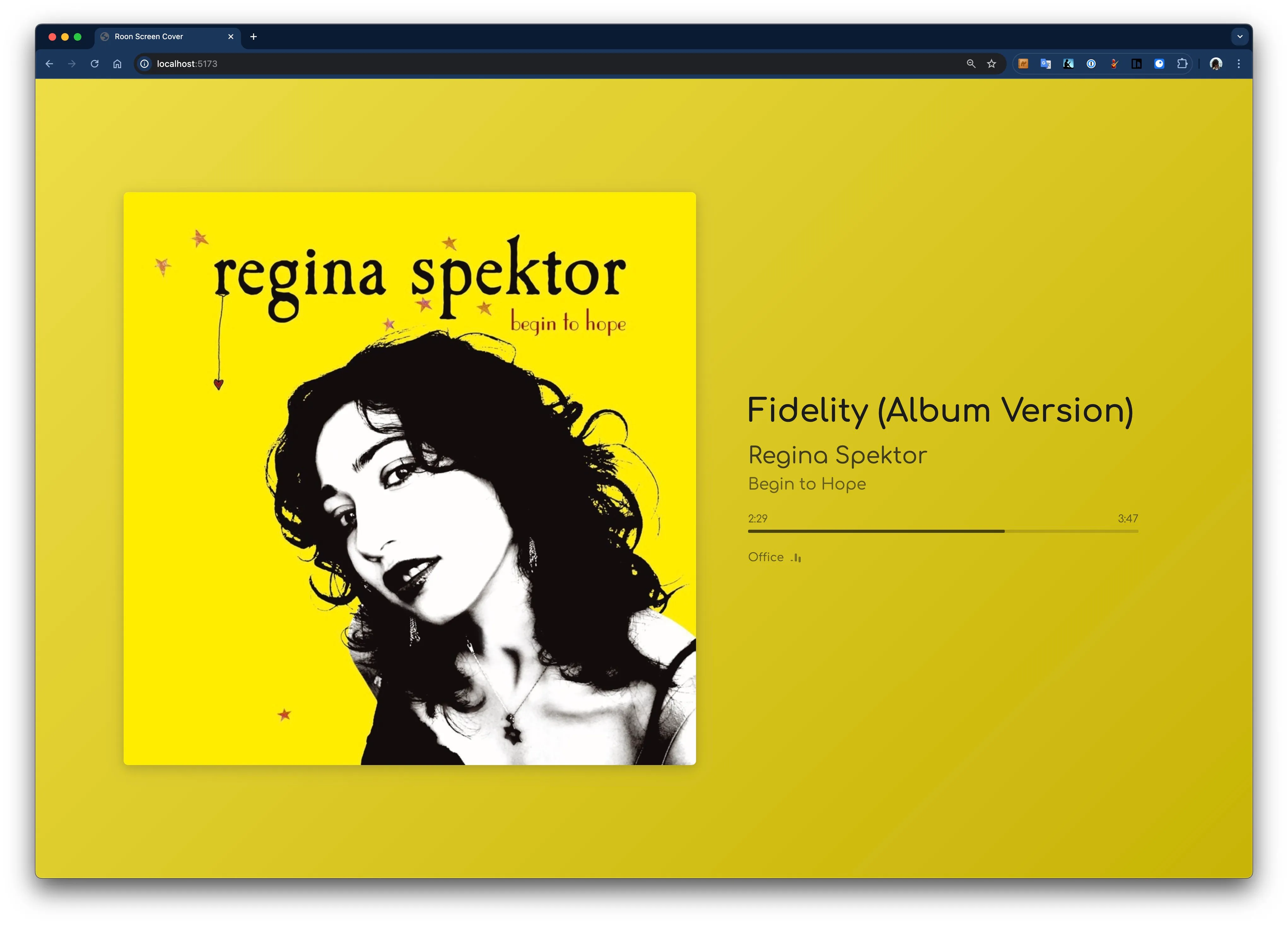
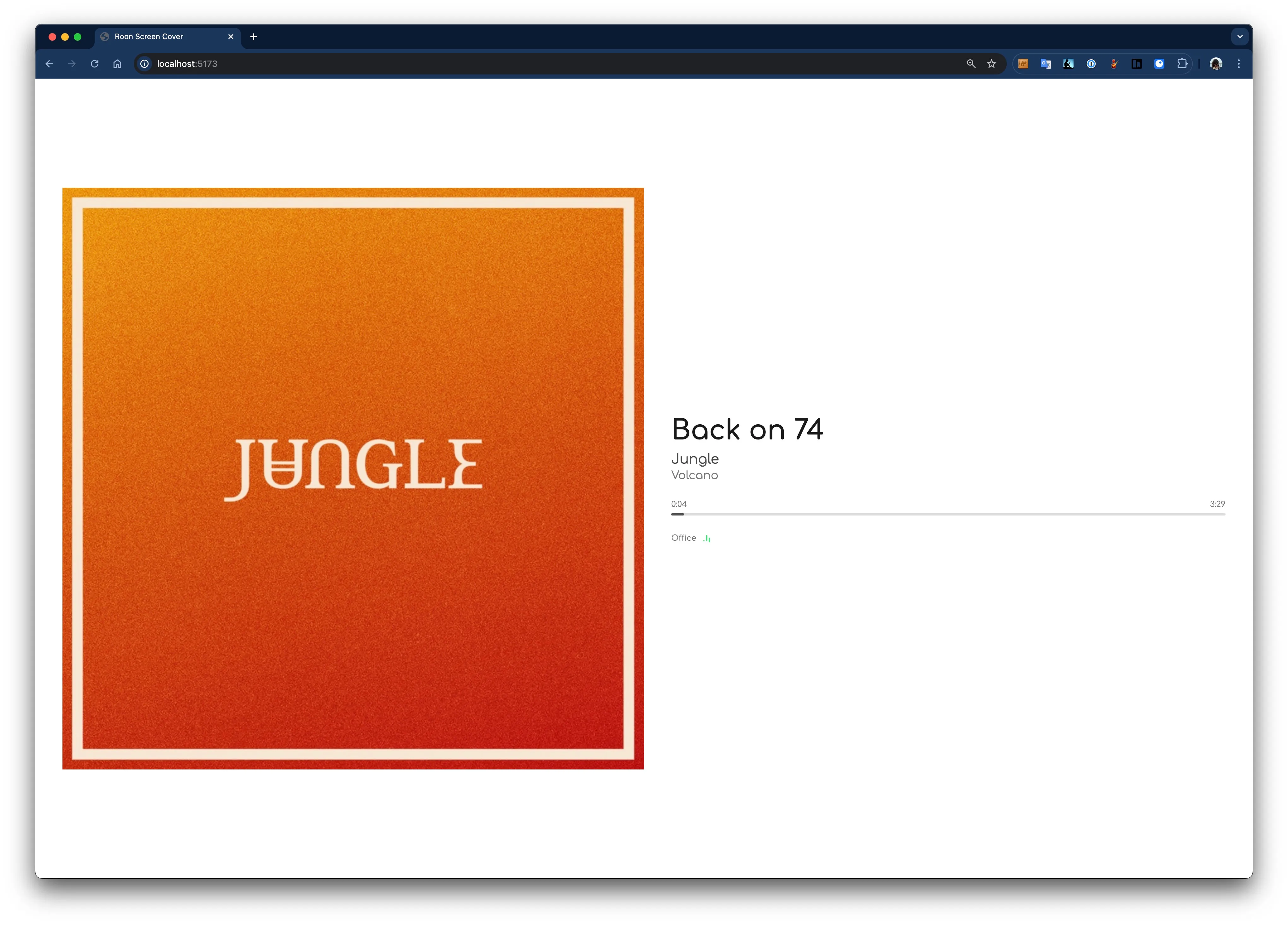
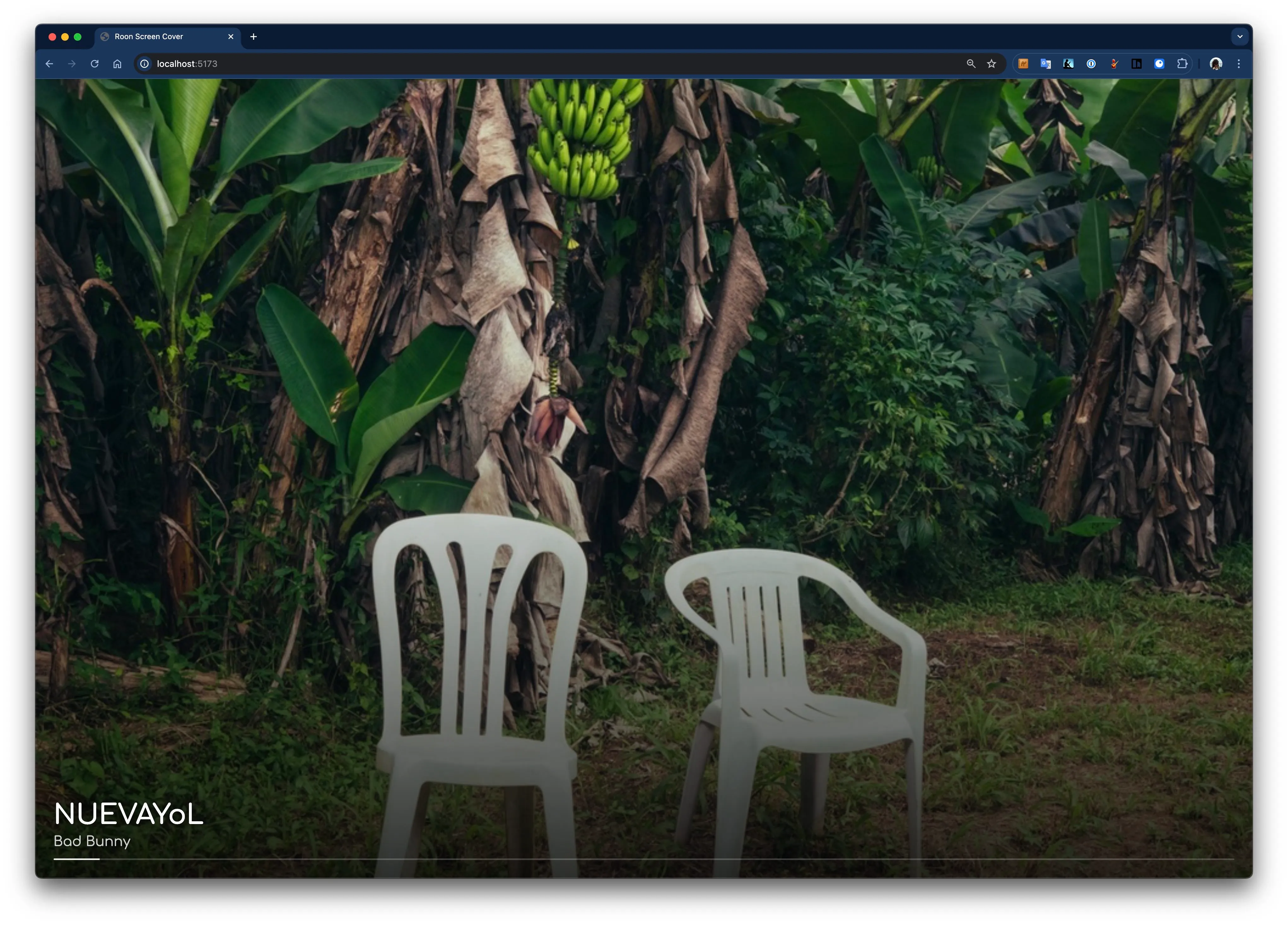
Show the current album, recent listening history, an edge-to-edge cover gallery, or AI facts — choose a layout from the display or admin panel.
Self-hosted · Open source · v1.11.0
An always-on now-playing display for Roon and other music sources. Real-time album artwork and track metadata on any screen you have — a TV, a spare tablet, a wall-mounted panel.
What it does
Built to look great from across the room and to disappear into the background until you glance at it.
Show the current album, recent listening history, an edge-to-edge cover gallery, or AI facts — choose a layout from the display or admin panel.
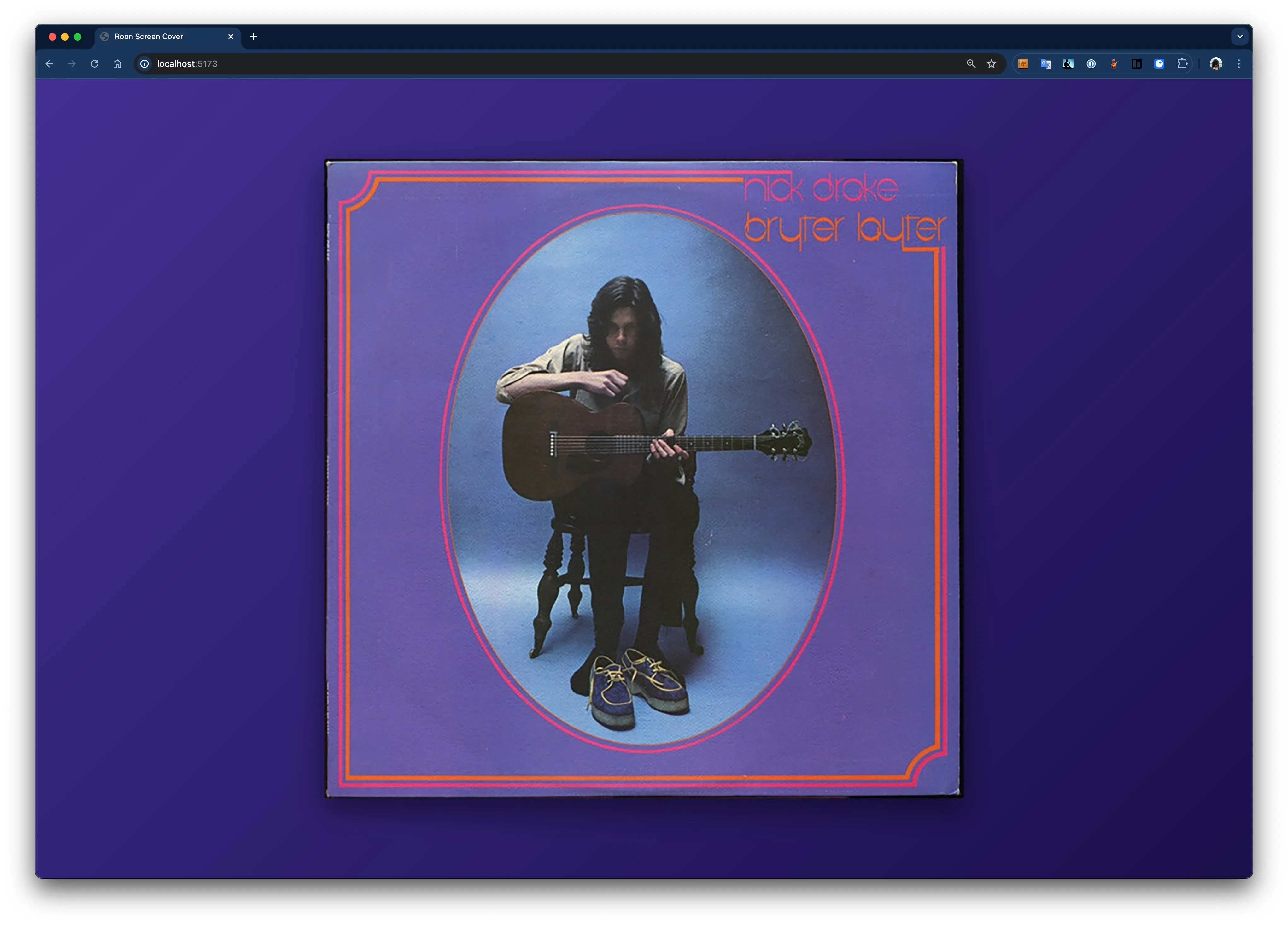
Colors and gradients extracted live from the album artwork — radial, linear, mesh, duotone, blurred, posterized and more.
Research the playing album through an optional ChatGPT connection, or generate facts with Anthropic, OpenAI, OpenRouter, or a local model. Reuse cached facts across displays.
Run as many displays as you like, each on its own Roon zone, all updating in real time over WebSockets.
Use it with Roon, or run external-sources-only via a simple HTTP API — push now-playing from anything.
New screens auto-generate a friendly name and show a QR code that opens their own config page on your phone.
Pick the typeface that suits the room, from the system default to a curated set of display and text faces.
Show a clock, black screen, or another layout when music pauses. Optional night dimming changes the page brightness without controlling device power.
Lock layout and zone taps on a fixed display while keeping Smart Idle wake gestures available.
Typography scales smoothly from a bedside tablet to a 4K living-room TV, so everything stays readable across the room.
Looks
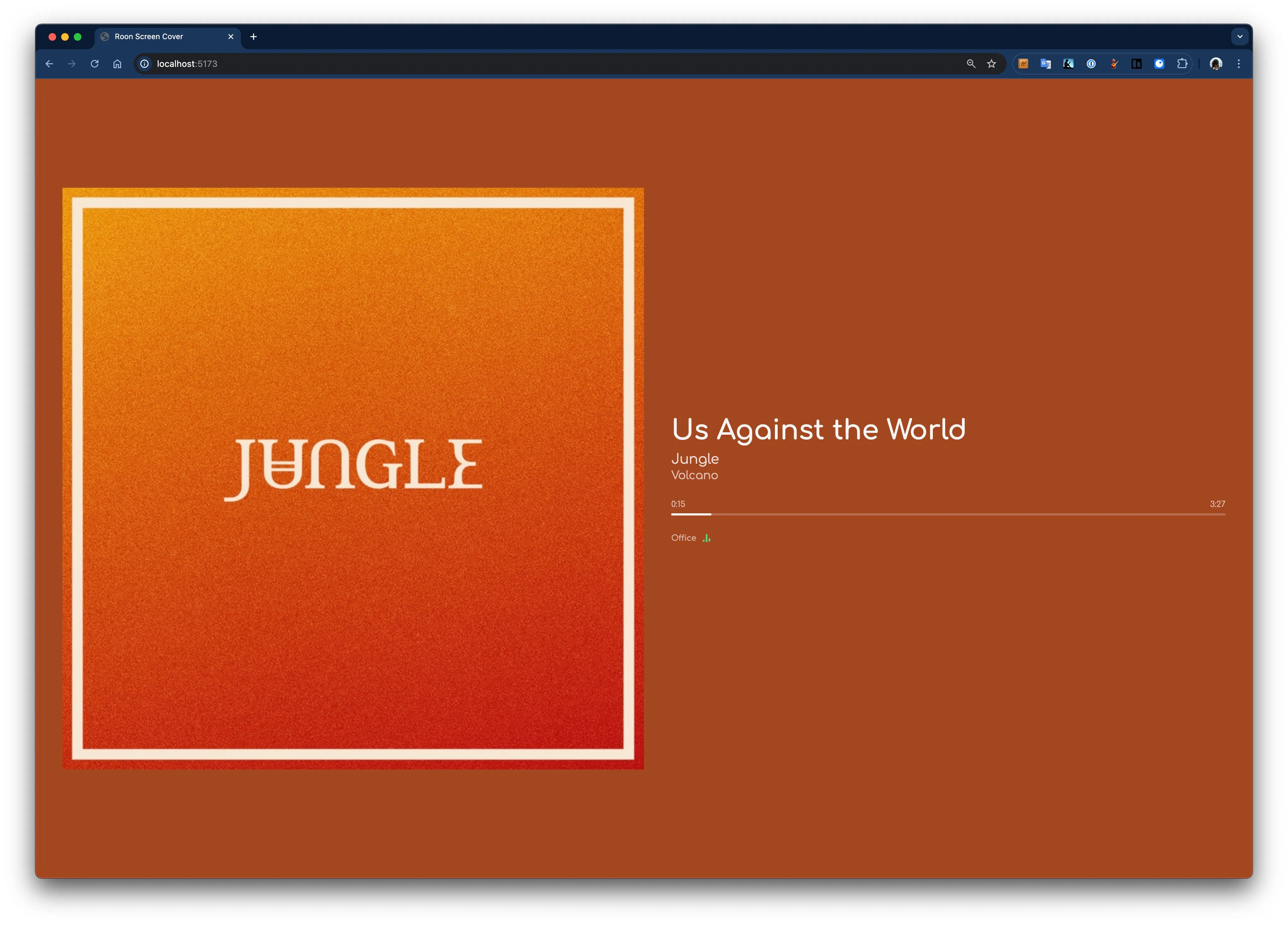
Choose a layout and a background derived from the album art, or fill the screen with covers in Album Gallery. Change the look from the display or remotely from the admin panel.
Get started
It’s a single self-hosted service. Point a browser at it and you’re live — then scan a QR code to configure each screen from your phone.
With Docker (recommended):
# start it
docker compose up -d

# or pull the image directly
docker pull ghcr.io/arthursoares/roon-now-playing:latest
Or from source (Node 20+, pnpm):
pnpm install
pnpm build
pnpm start
Open http://<server>:3000 on any screen. It generates a
friendly name and a QR code — scan it to open that screen’s config page,
or manage everything from /admin.
Or drive it straight from the URL:
| Param | Example |
|---|---|
zone | Living Room |
layout | detailed |
background | gradient-mesh |
font | comfortaa |
?zone=Office&layout=cover
  &background=gradient-mesh
Using Roon? Authorize the extension in Roon → Settings → Extensions.
No Roon? Set ROON_ENABLED=false and push now-playing from any source via the
external-sources HTTP API.
Where it lives
A dedicated tablet or panel by the listening chair, showing exactly what’s spinning.
Cast to the living-room TV — large type and ambient artwork backgrounds made to be read from the couch.
An old tablet finds new life as a quiet, glanceable now-playing clock for the bedroom.
One screen per zone across the house, each following its own room and updating instantly.
AI facts
The facts layouts surface lesser-known details about whatever’s playing — recording history, chart trivia, the people behind it. Bring your own provider and key, connect ChatGPT with the optional runtime, or run a model on your own hardware.
/admin → AI Facts.facts-* layout on any screen.Claude Haiku 4.5 (default), Sonnet 4.6, Opus 4.8.
Luna is the app default, with Terra, Sol, GPT-5.5, Astra, and custom model IDs available.
Optional account connection for web research with source links and reusable album facts. Requires the optional server runtime.
One API key, 200+ models — pick by cost or capability.
Run a model on your own hardware — no cloud, no API keys, no cost.
Sister project
roon-now-playing-hass is a HACS-installable Home Assistant integration that turns every named screen into entities you can automate — switch to a minimal layout at night, change the zone when you walk into a room, or surface connection status on a dashboard.
select entities for layout, font, background and zone.binary_sensor for each screen’s connection status.Example automation
# Switch to the minimal layout at night
automation:
  trigger:
    - platform: time
      at: "22:00:00"
  action:
    - service: select.select_option
      target:
        entity_id: select.living_room_layout
      data:
option: minimalSelf-hosted, open source, and yours to tinker with.